Order status board
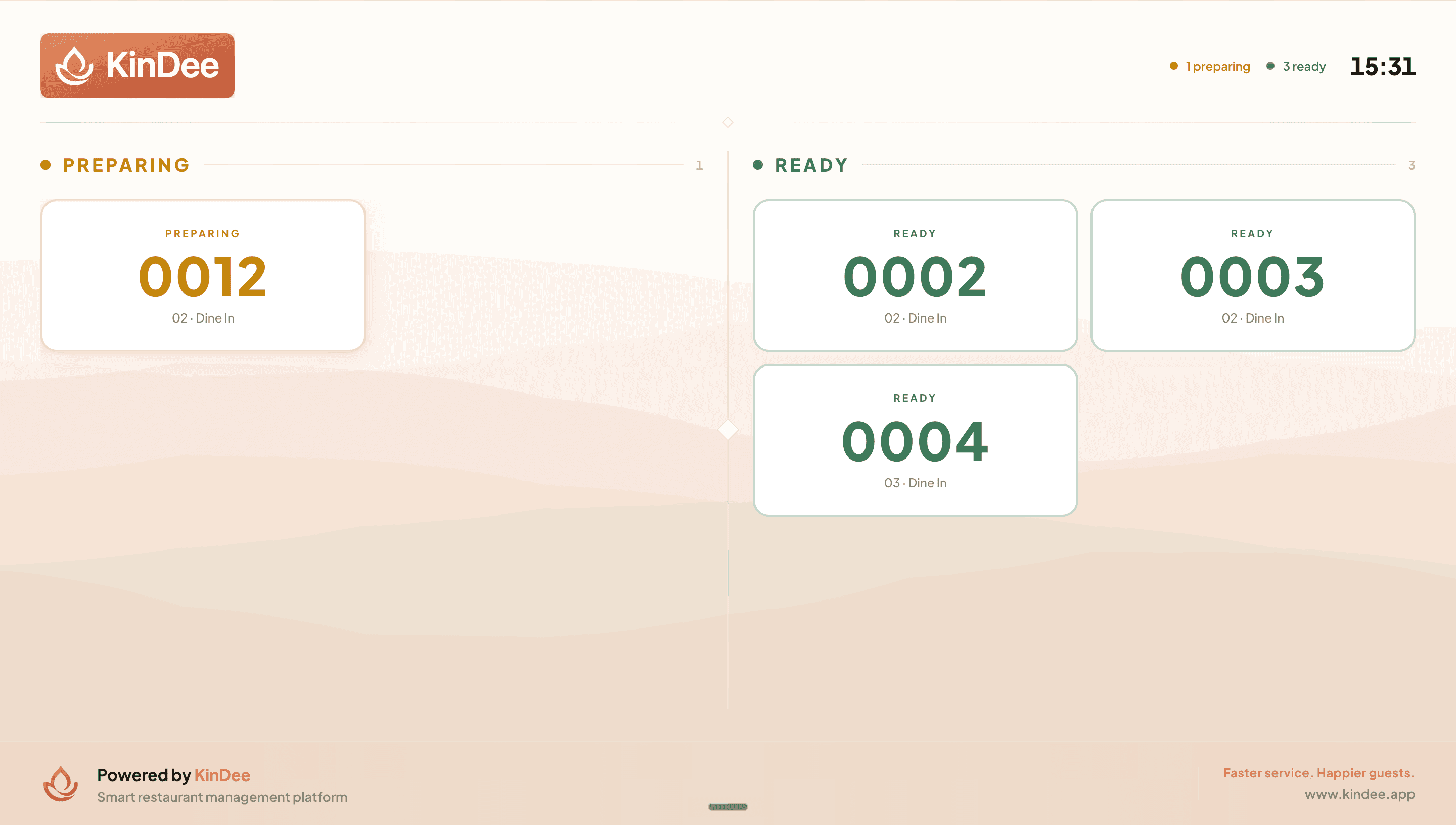
AvailableA full-screen lobby display that lets guests track their own order from 'Preparing' to 'Ready' — cutting interruptions and improving the perceived speed of service.
What it does
- Two columns — Preparing / Ready — large, clearly readable order numbers: amber and gently pulsing while in preparation, green when ready.
- Each entry shows the order type: 'Takeaway' or 'Table X · Dine In', so guests know exactly which order is theirs.
- A calm animated wave background with the KinDee brand keeps the screen professional and uncluttered.
- Driven automatically by the kitchen — KDS actions (Start Cooking / Done) update the board with no extra taps from floor staff.
- Real-time updates via live subscription (15-second polling fallback); ready orders auto-clear after 5 minutes.
Visual walkthrough
Guest Display order status board
FAQ
No — the board is driven entirely by the kitchen. When a cook marks an order as cooking on the KDS, it appears in Preparing. When the last kitchen ticket is bumped Done, it moves to Ready automatically.
Was this helpful?