Payments & splitting
AvailableCollect payment by cash or QR, split the bill any way guests want, redeem loyalty points, and record a tip — all in a few taps.
What it does
- Cash payment with quick-amount buttons, live change calculation, and tendered entry; blocked when no shift is open.
- QR payment: show the total, confirm external payment received, and complete.
- Split payment three ways: Even, By Percentage, or Custom per-person amounts — with a live remaining balance.
- Loyalty redemption if a guest is linked: see their points balance, redeem up to the configured cap as a discount.
- Tips — suggested or custom amounts recorded against the order.
- On completion: order closes, guest visit count increments, loyalty points are awarded, and any un-sent courses fire automatically.
Visual walkthrough
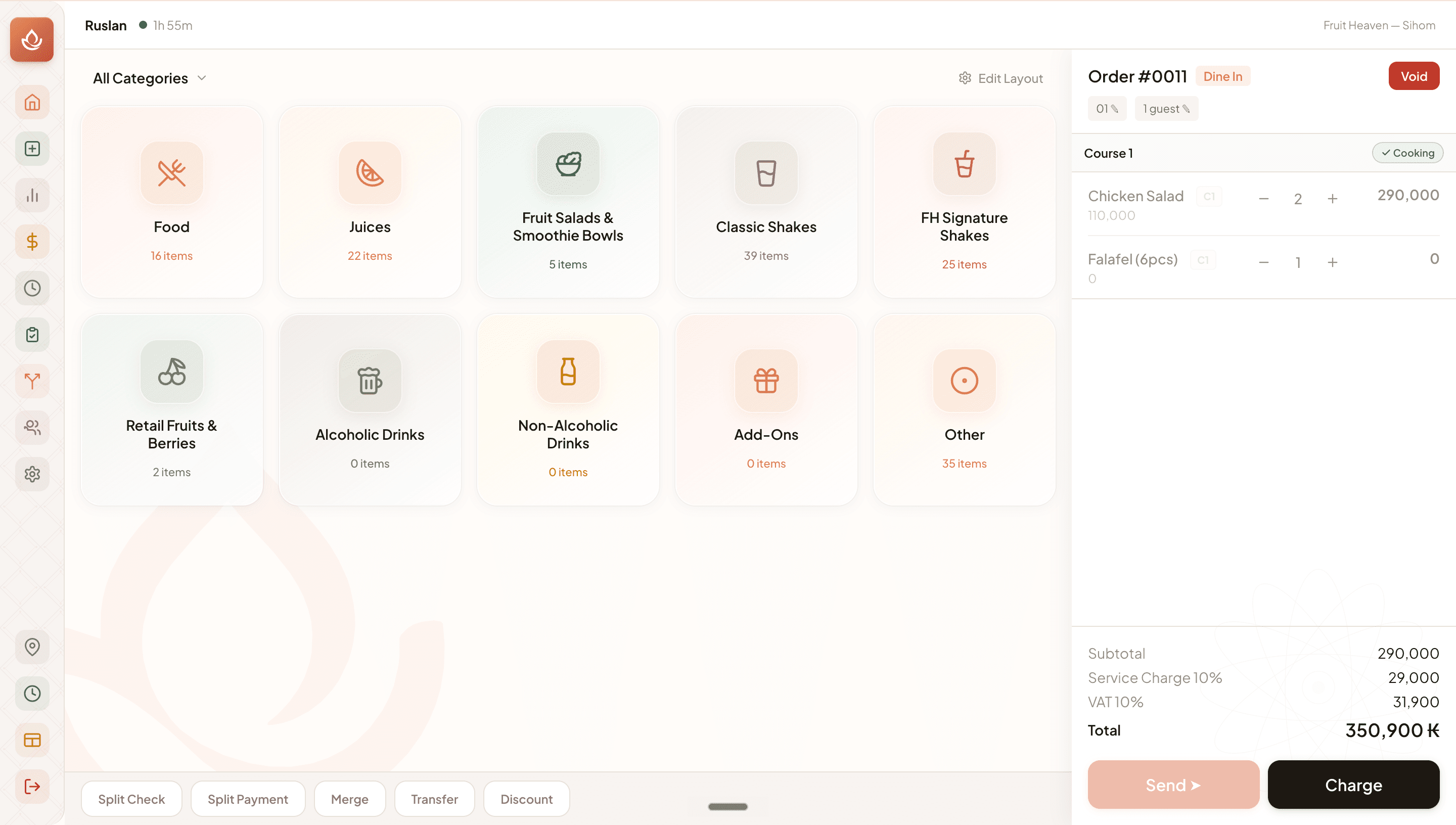
POS payment screen
FAQ
Tap Split Payment → Even, enter the number of guests, and KinDee calculates each person's share. You process each portion in turn until the balance reaches zero.
Related
Was this helpful?